
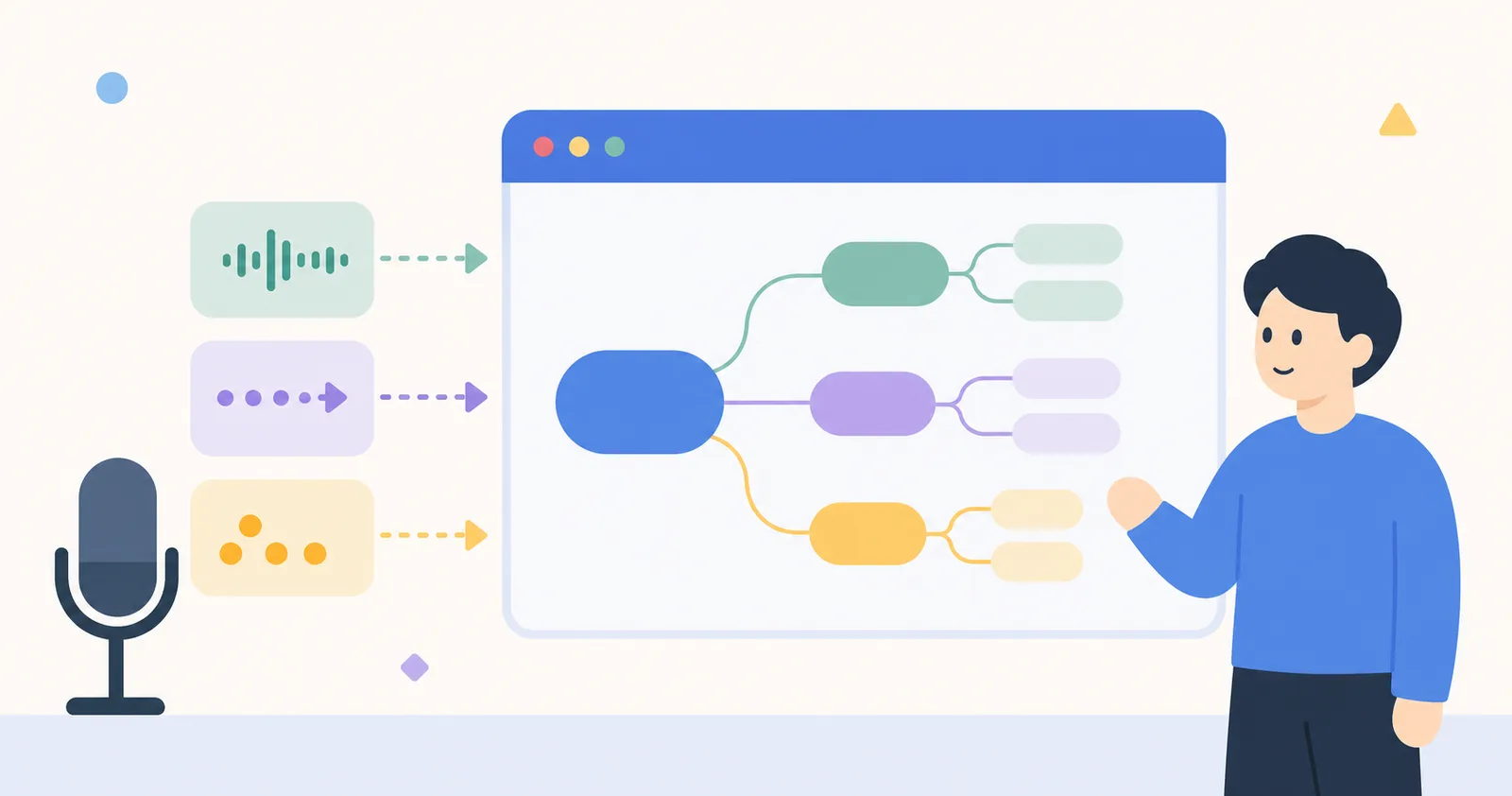
"Don't summarize after the meeting. The mind map is built during the meeting." That was the goal we set when building Canvas's meeting feature. Drawing captions with under 200ms latency while simultaneously extracting keywords and turning them into nodes was trickier than expected.
Why We Built It Ourselves
We could have just used the OpenAI Whisper API. But there were two problems:
- Accuracy was inconsistent in Korean meeting environments (technical meetings mixed with loanwords, dialect speakers)
- Processing voice → text → keyword extraction serially pushed the latency the user perceives past one second
So we served Whisper v2 ourselves and layered our own keyword-extraction pipeline on top.
Architecture
[Browser MediaRecorder]
  → WebSocket (250ms chunks)
  → [Whisper Server: canvas-stt.d-sket.dev]
    → voice → text (streaming)
    → KeyBERT Korean keyword extraction (parallel)
    → Embedding (clustering similar keywords)
  → WebSocket (delta + keywords)
  → [Browser Canvas]
The key is parallelism. While the voice is being converted to text, the keywords of the previous chunk are extracted at the same time. A task that takes one second when done serially finishes in 250ms.
Tricks That Cut Latency
- 250ms chunks — shorter drops accuracy, longer increases perceived latency. For Korean, 250ms is optimal.
- Progressive output — sends word by word before the text is complete. “Hel…” → “Hello the…” → “Hello there.”
- WebRTC voice activity detection — silent stretches aren’t sent to the server. Saves traffic equal to the meeting’s silence time.
At first we thought it would all be over once speech recognition worked well, but the user interviews showed the core was that “trust breaks if latency is over 0.5 seconds.” There are domains where responsiveness matters more than accuracy.
— Jo Bugeon
Speaker Separation
Distinguishing who spoke in a meeting matters just as much. We run PyAnnote-based speaker diarization in real time, but we explicitly mark the first 30 seconds as calibration time. After that, captions are displayed in per-speaker colors.
Keywords → Mind Map
How to turn the extracted keywords into nodes was the last piece of the puzzle. Simply making every keyword a node fills the screen instantly, and being too conservative makes it meaningless.
Our heuristic:
- A keyword repeated 3 or more times becomes a node candidate
- Keywords with embedding similarity of 0.85 or higher are merged into an existing node
- Different colors per speaker — so you can see at a glance who mentions what often
When the meeting ends, an average of 8–15 nodes have been generated automatically, and the user just tidies up the positions or draws additional nodes.
Next Steps
Next quarter is video-conferencing integration. A feature that takes the audio track of Zoom or Google Meet directly and generates a mind map. Canvas nodes stack up automatically without ever leaving your meeting tool.